Getting Started
Create your account, set up your profile, and learn the basics of navigating Randuro.
Welcome to Randuro — a privacy‑first mountain biking crew. This quick guide shows you how to sign in, set up your account, and get oriented. Device connections and file uploads sit in the Integrations guide; stay here for the basics.
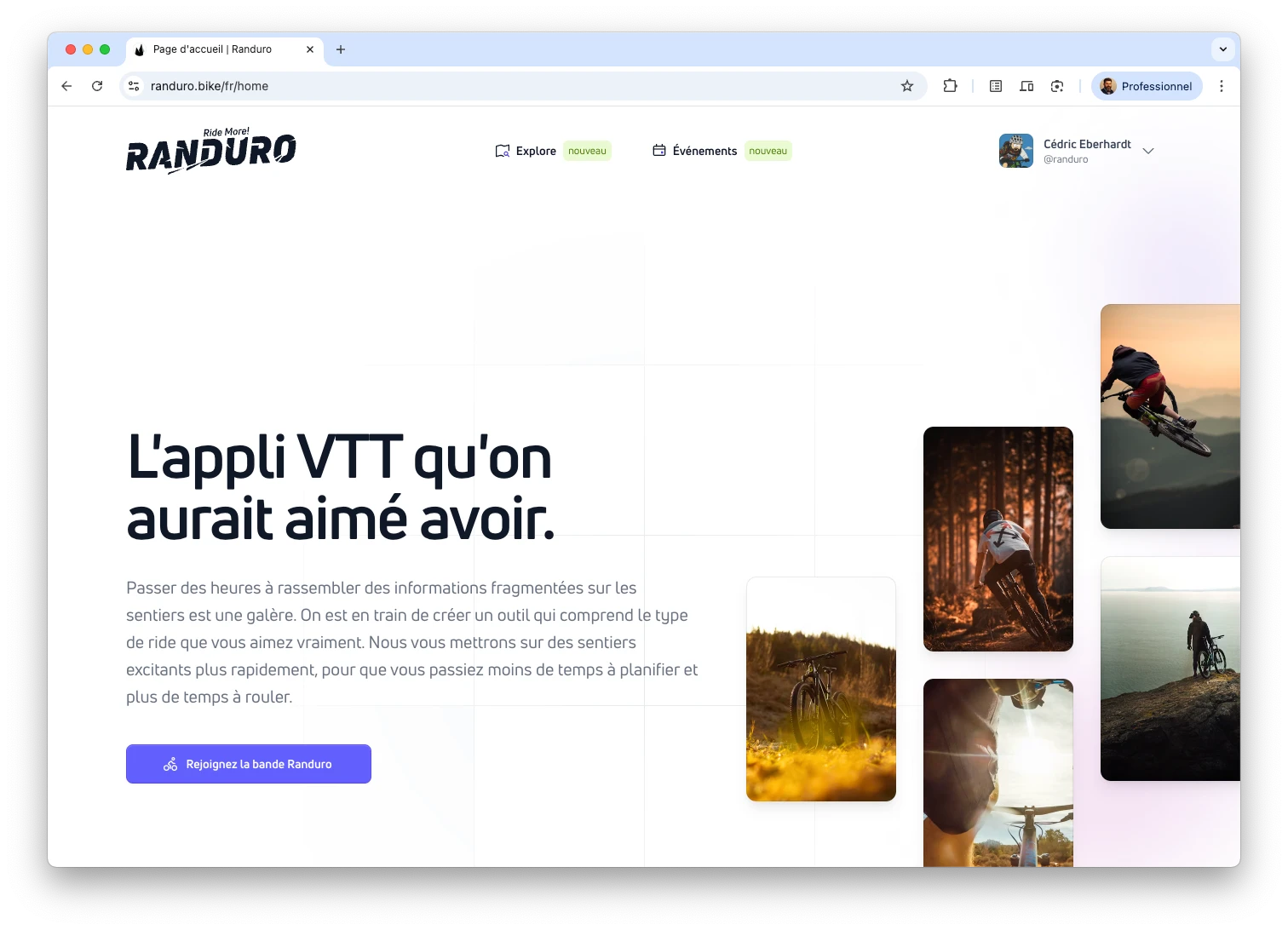
Sign in with a magic link
No passwords here. Go to Sign In, enter your email, and we’ll send a magic link. Open the email, click the button, and you’re back in Randuro, ready to ride.
If it doesn’t show up, check spam/promotions, then request a new link. Still stuck? Drop us a note via feedback.
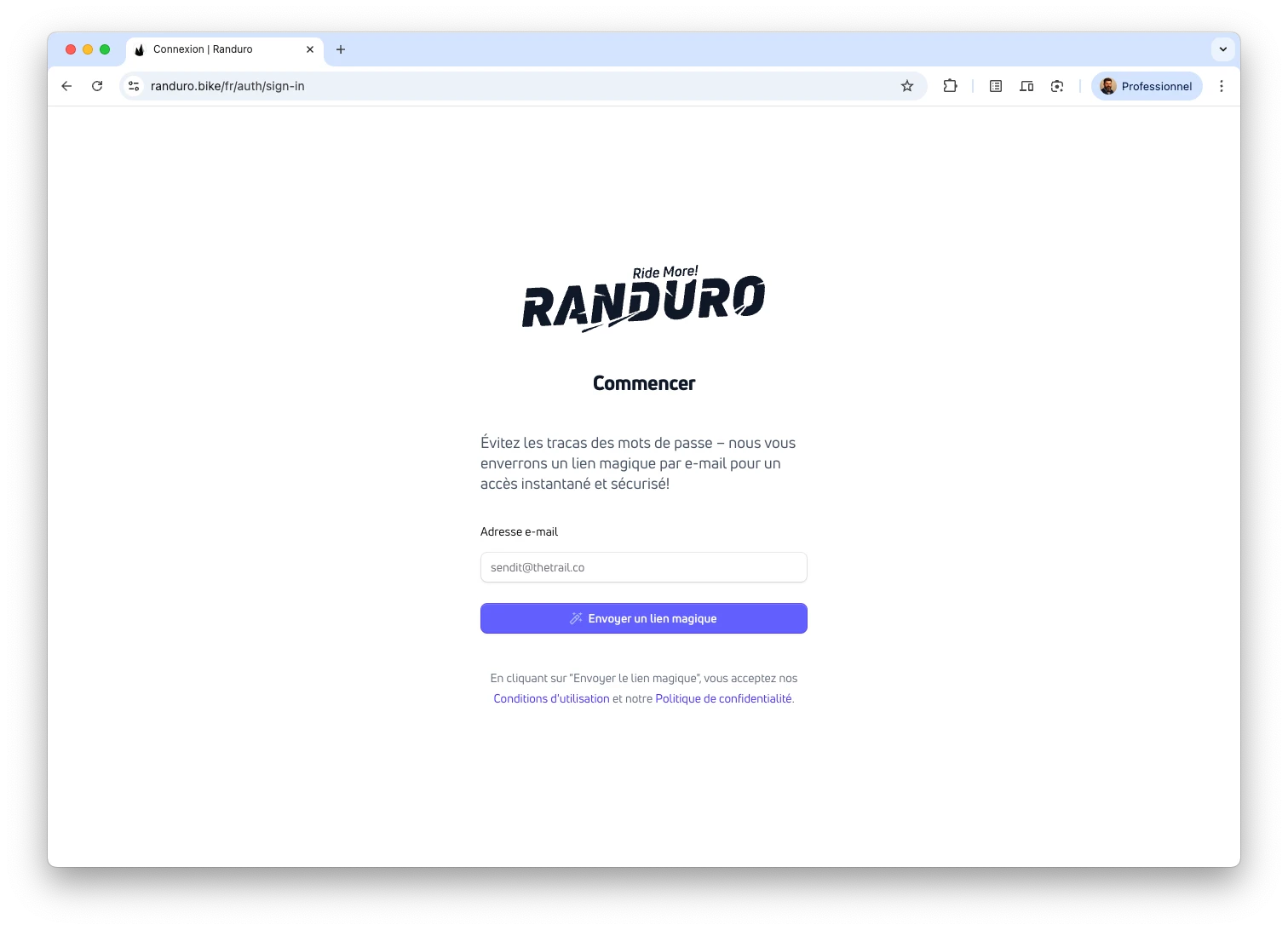
Why magic links?
Magic links kill passwords: no reuse, no resets, less phishing. Links expire after 5 minutes, and you can review or revoke sessions anytime in Settings → Security. It’s fast on mobile and keeps your account independent of third‑party providers.
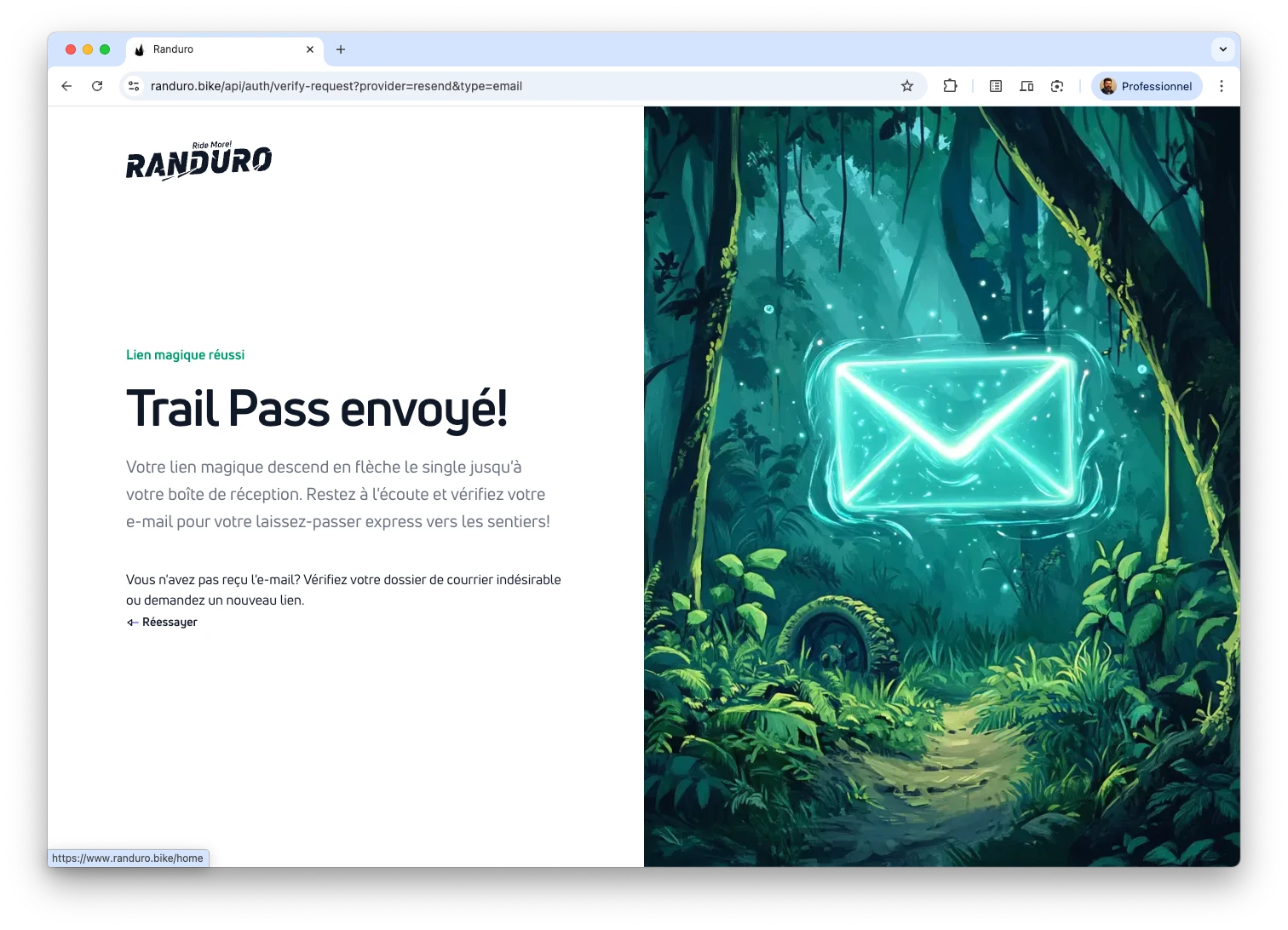
Set up your account
Open the user menu (avatar on desktop, menu on mobile) and pick Settings. Start with Settings → Profile: choose a username and language (English or French). The page may reload after a language change. Email is read‑only for now.
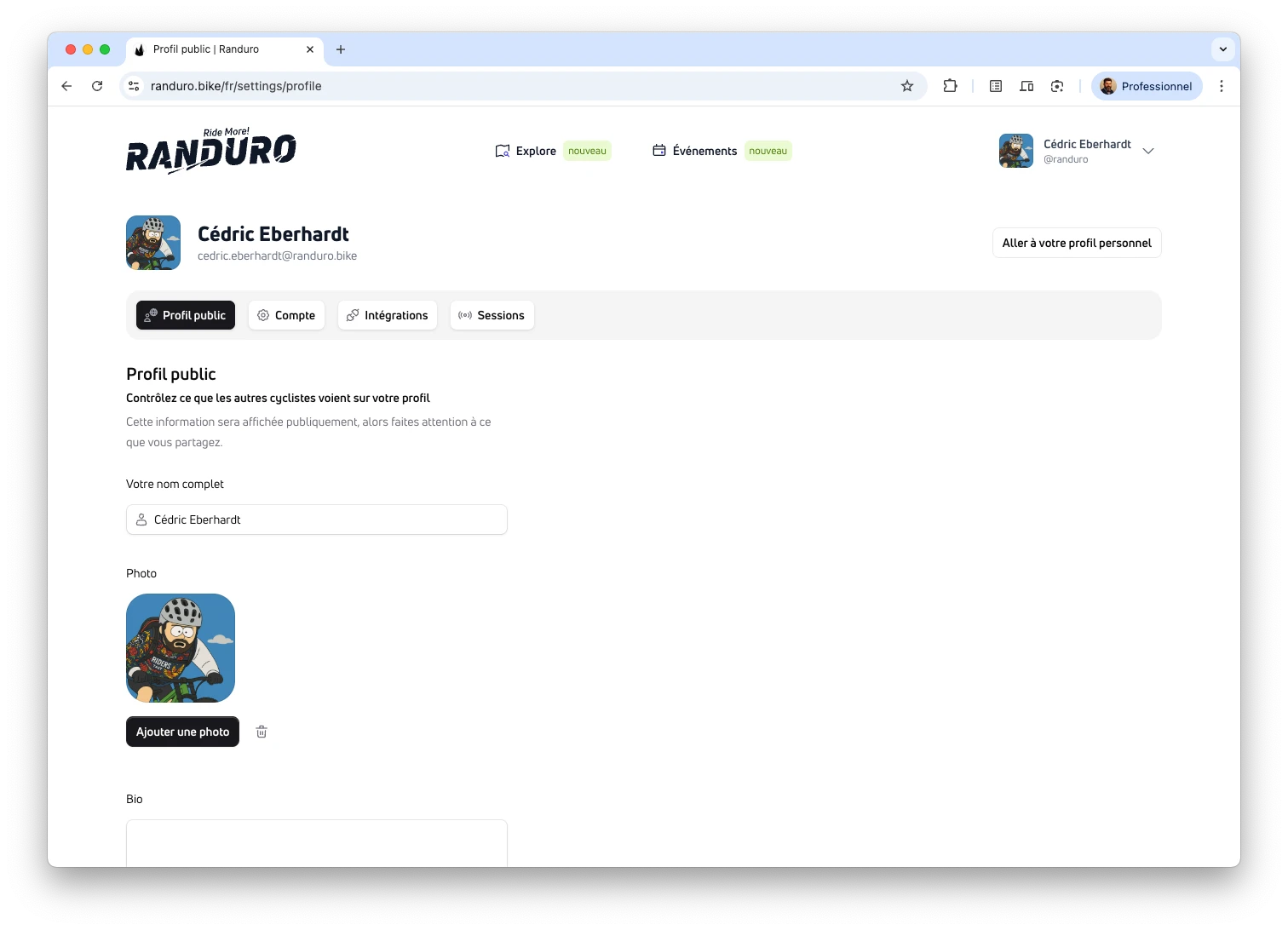
Then go to Settings → Public Profile to add a photo, name, short bio, and location. Profiles start private; toggle “Make profile private and hide activity” anytime. You can also set each ride to public or private.
Sessions and security
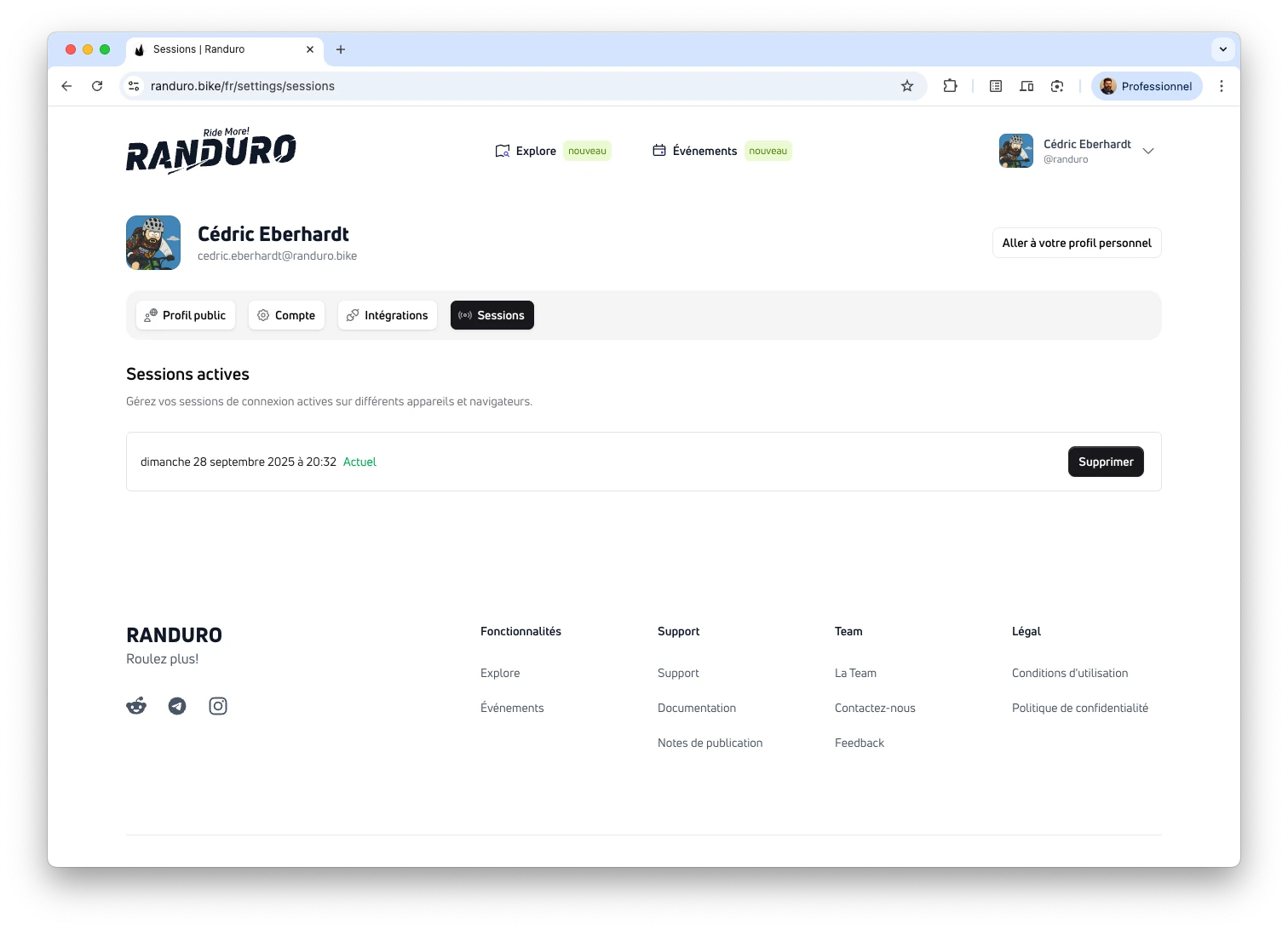
Stay in control of where you’re signed in. In Settings → Security, review active sessions and revoke anything you don’t recognize. Deleting “Current” signs you out on this device.
Connect devices or upload rides
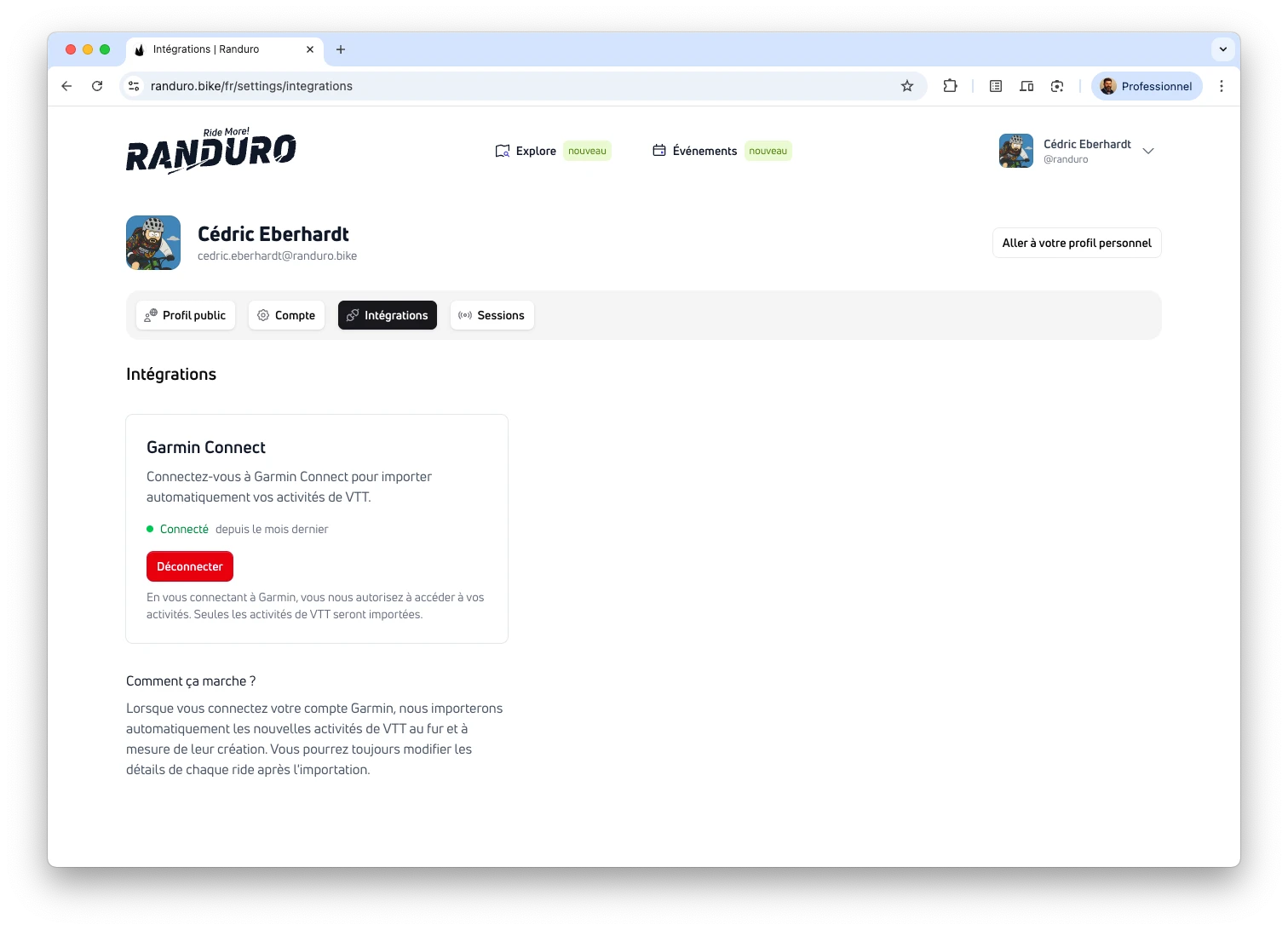
Ready to bring in data? Head to the Integrations guide to connect Garmin and import GPX/FIT files. This page stays focused on setup so you can get comfortable before syncing.
Explore the community
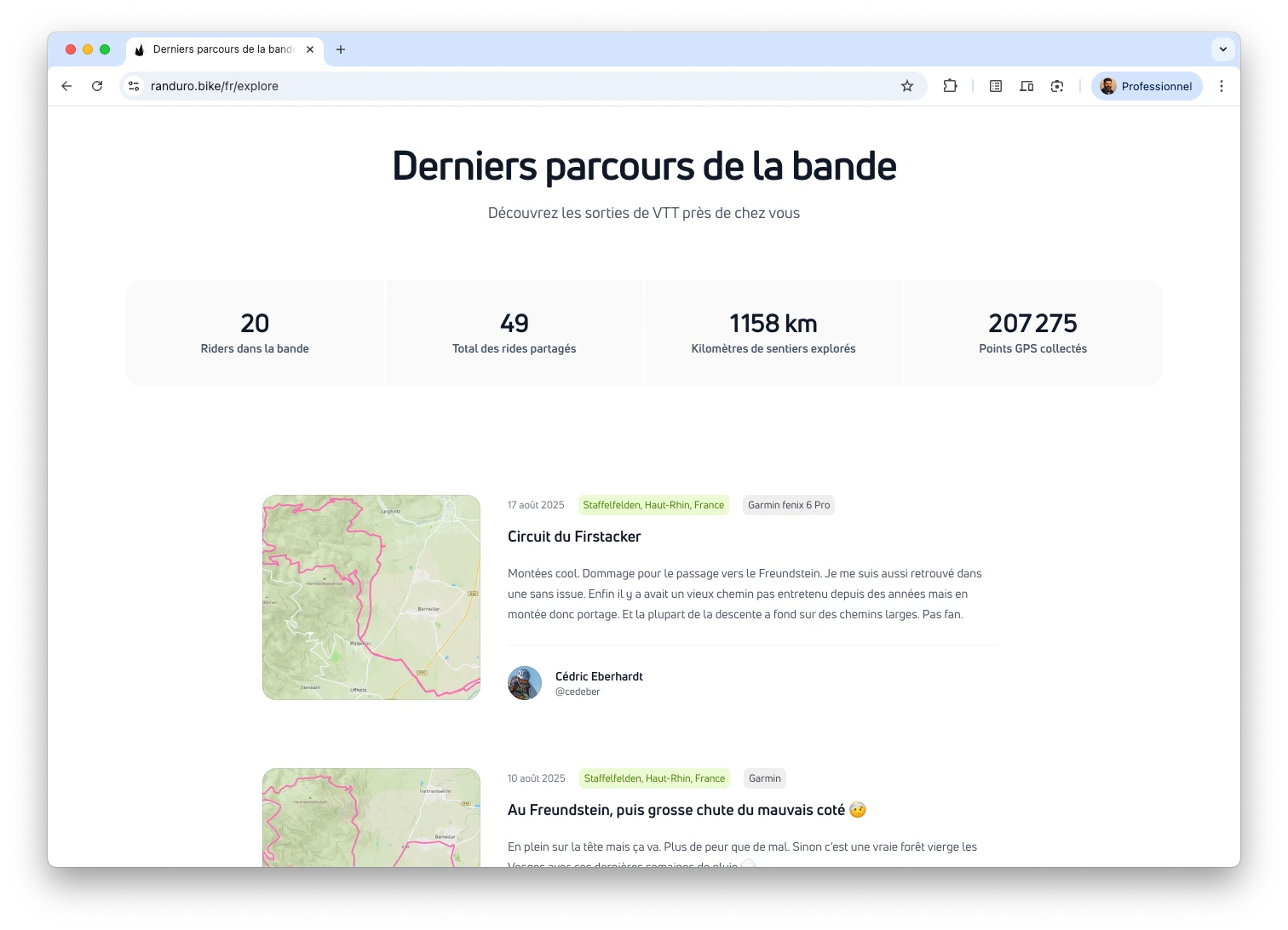
Browse fresh rides on Explore. Open your profile from the header to see your stats and public page. Once signed in, press ⌘K (Ctrl+K on Windows) to open the command palette for quick stats, AI chat (beta), and shortcuts.
Privacy at Randuro
Privacy is the default. Your profile starts private, you choose what goes public, and every ride can stay private or be shared. We attribute device data where required and keep it transparent. Details live in our Privacy Policy.
FAQ
Need quick answers? Visit the Documentation home and scroll to the FAQ for accounts, privacy, uploads, integrations, and more.